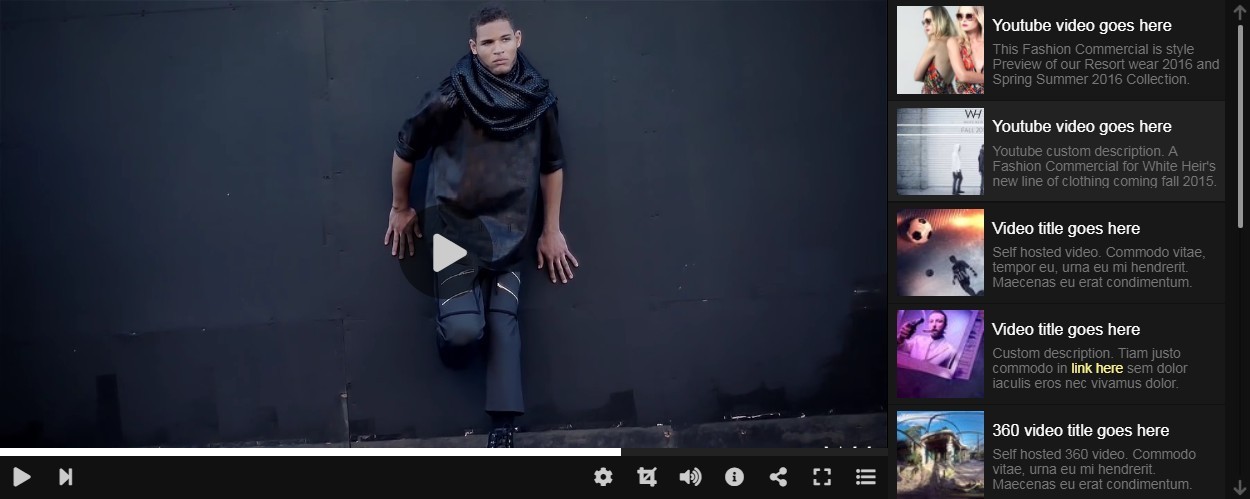
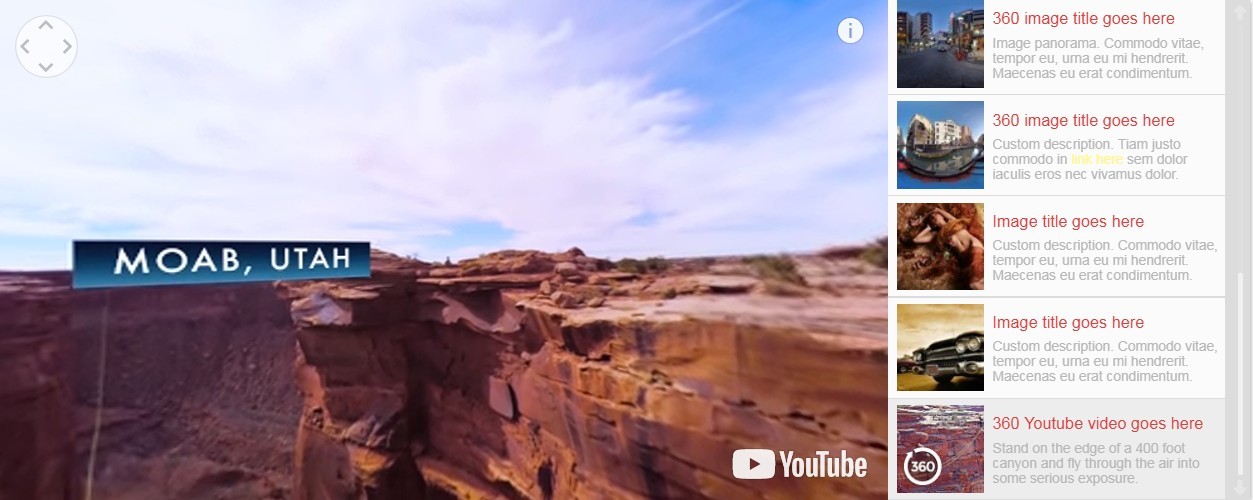
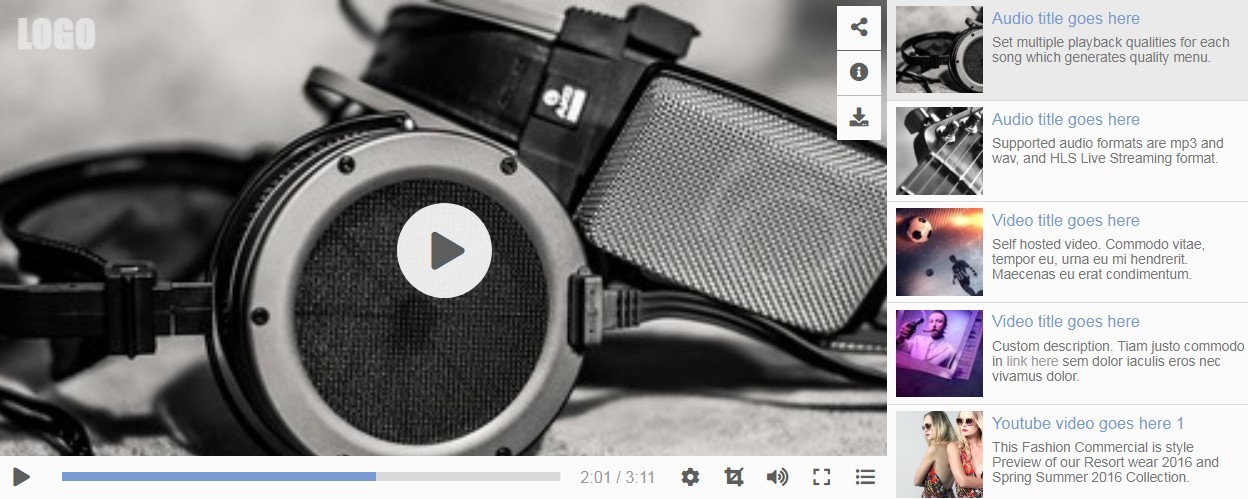
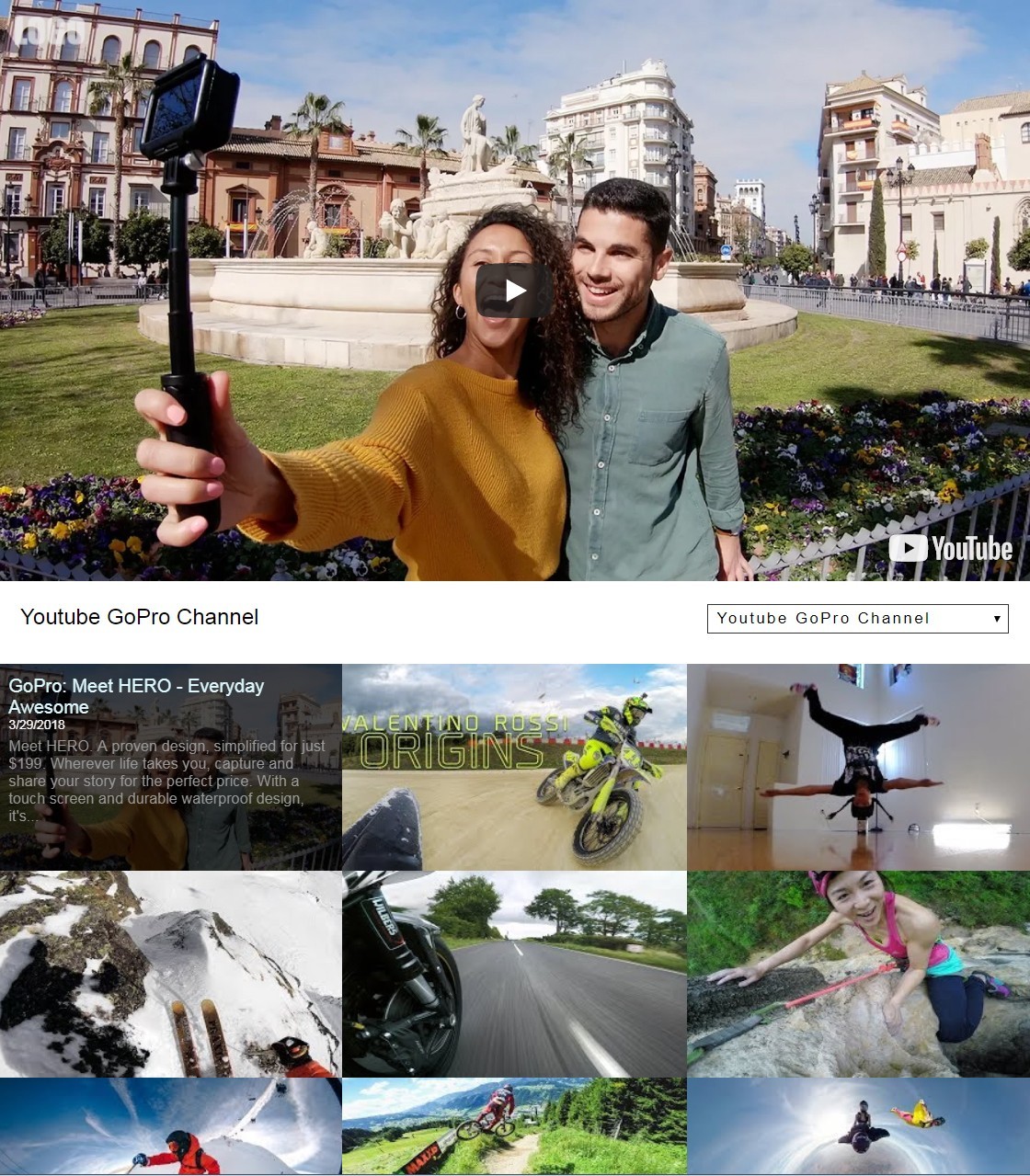
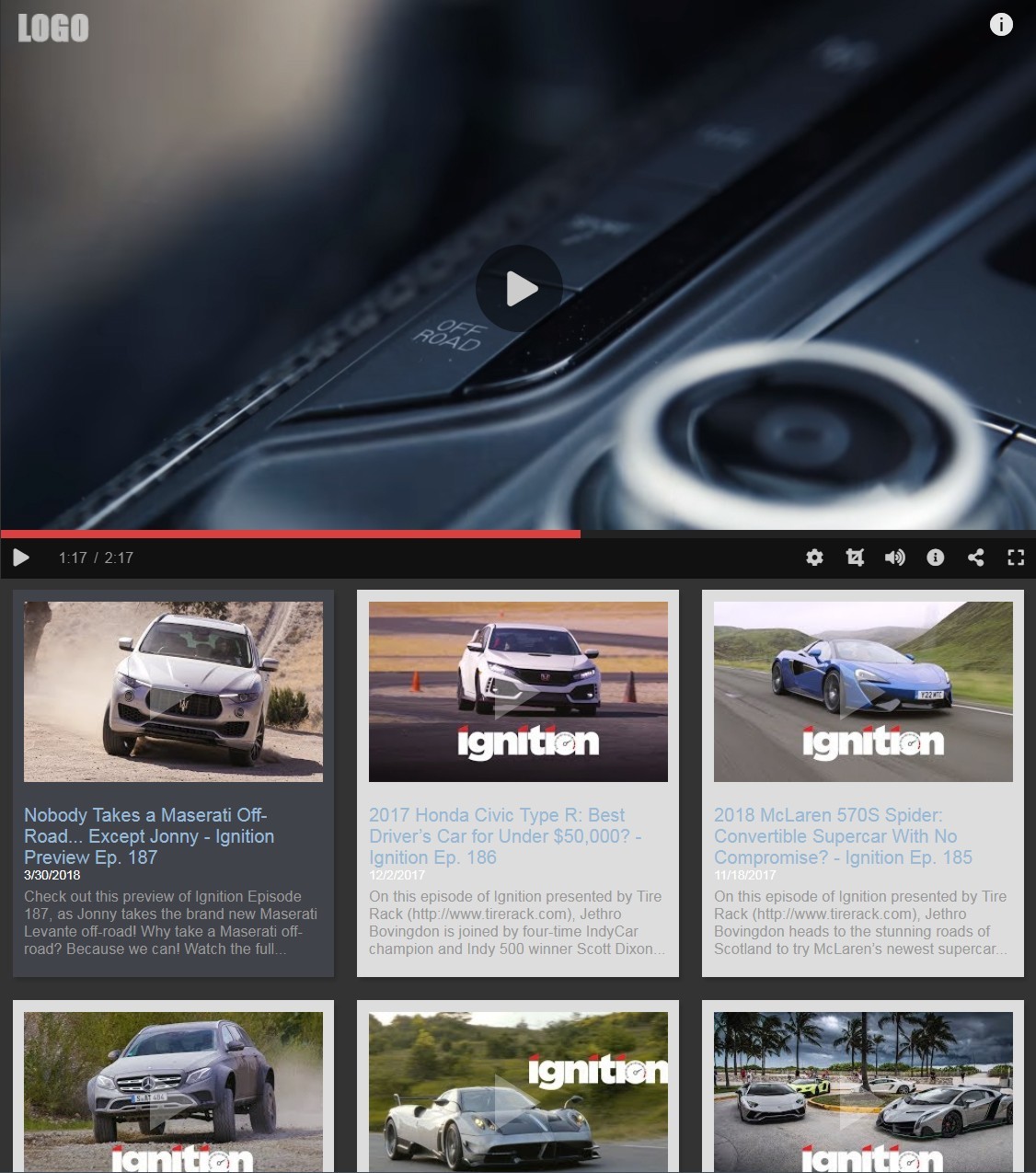
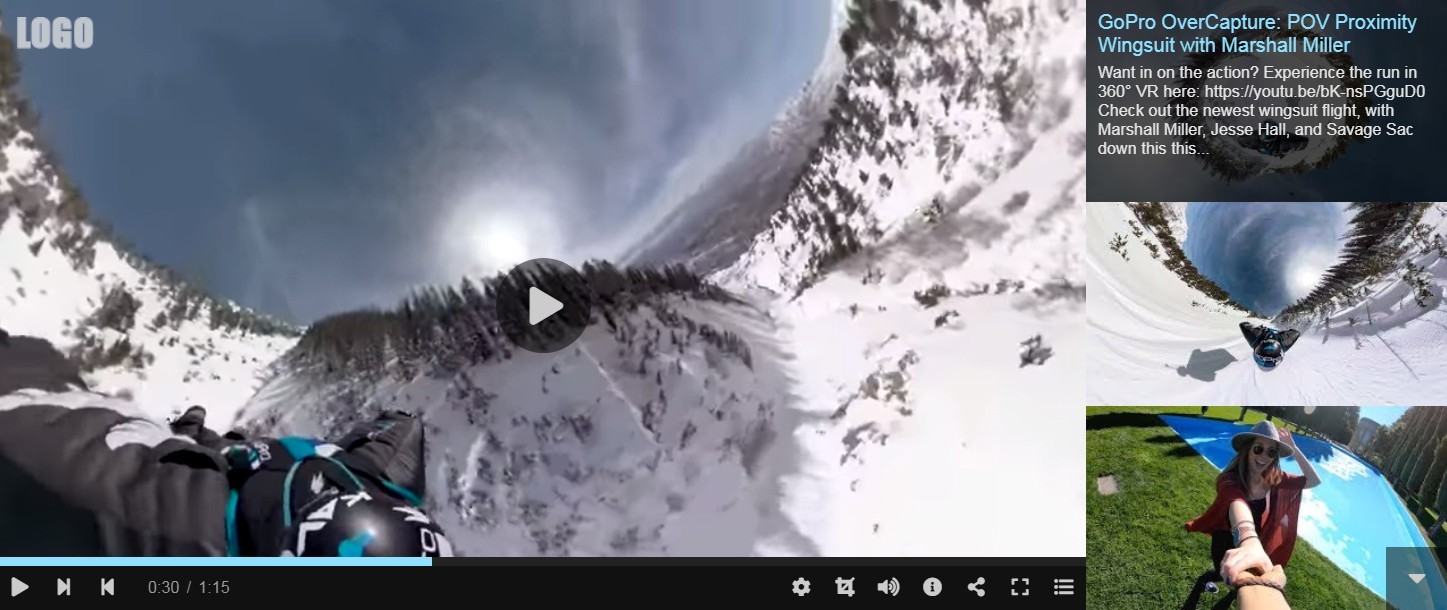
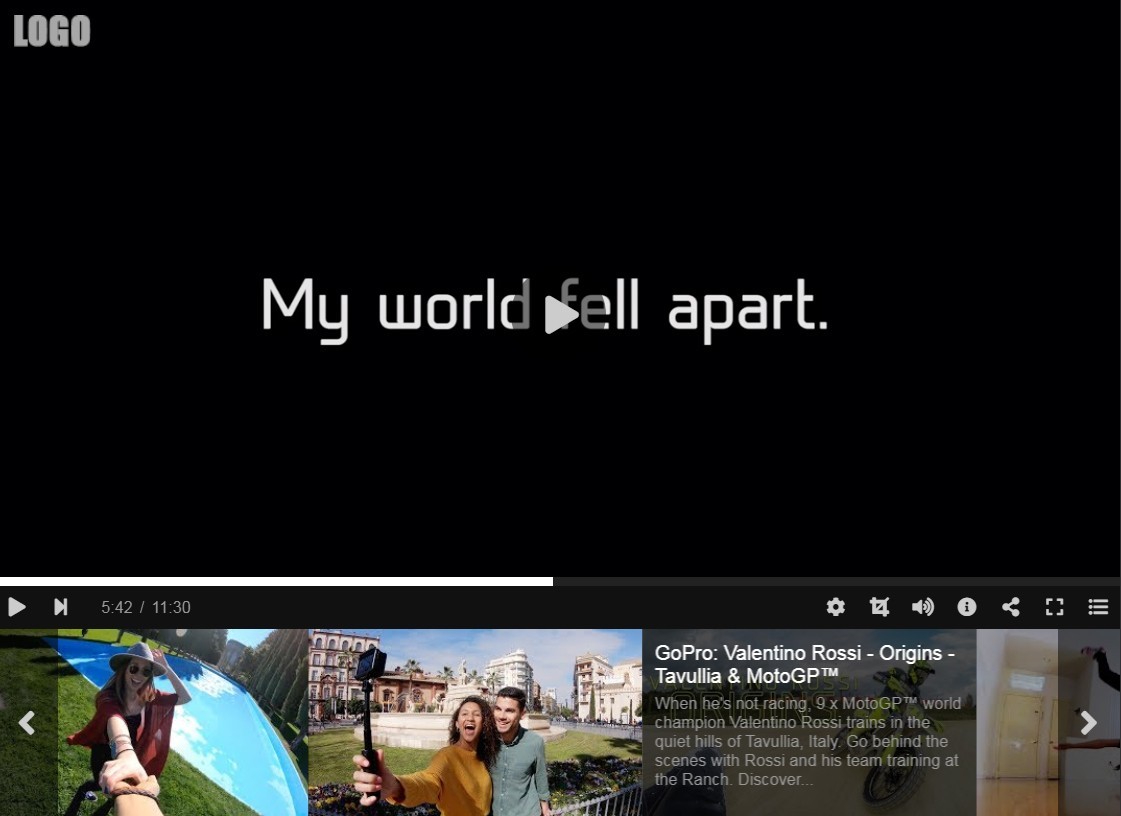
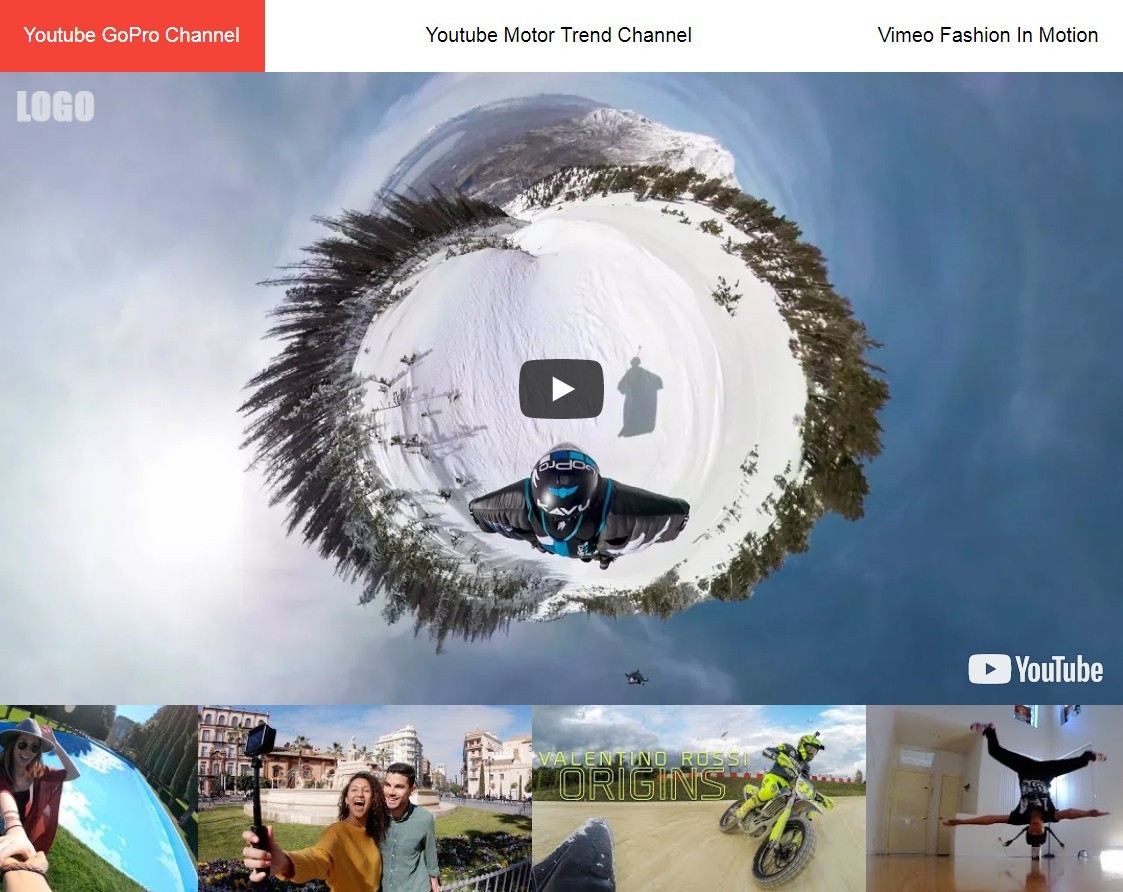
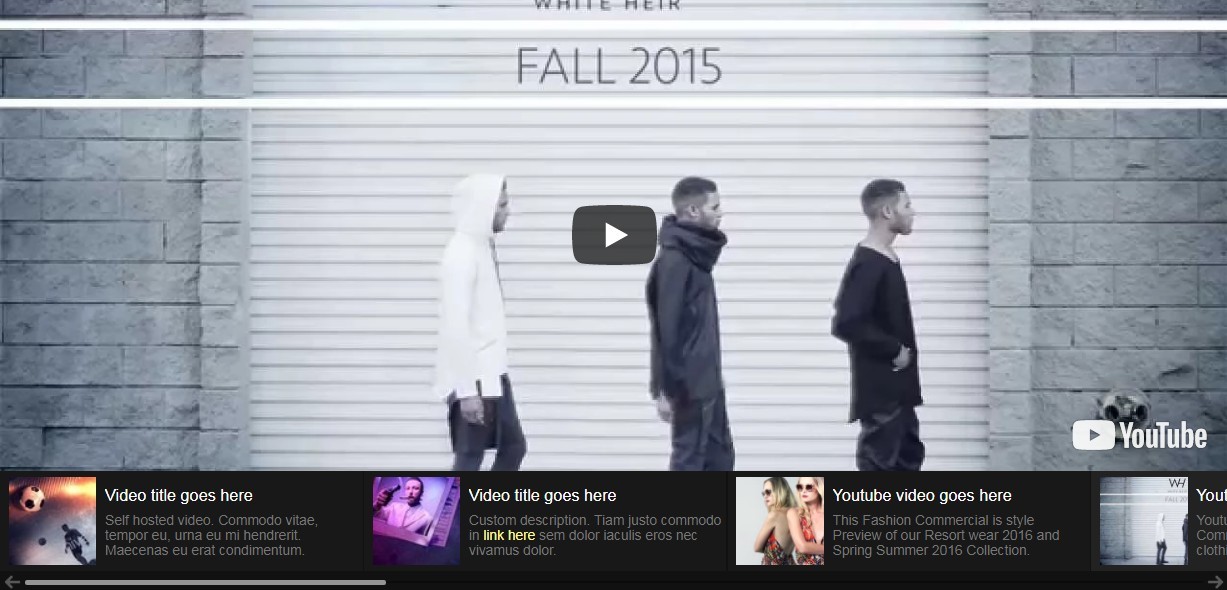
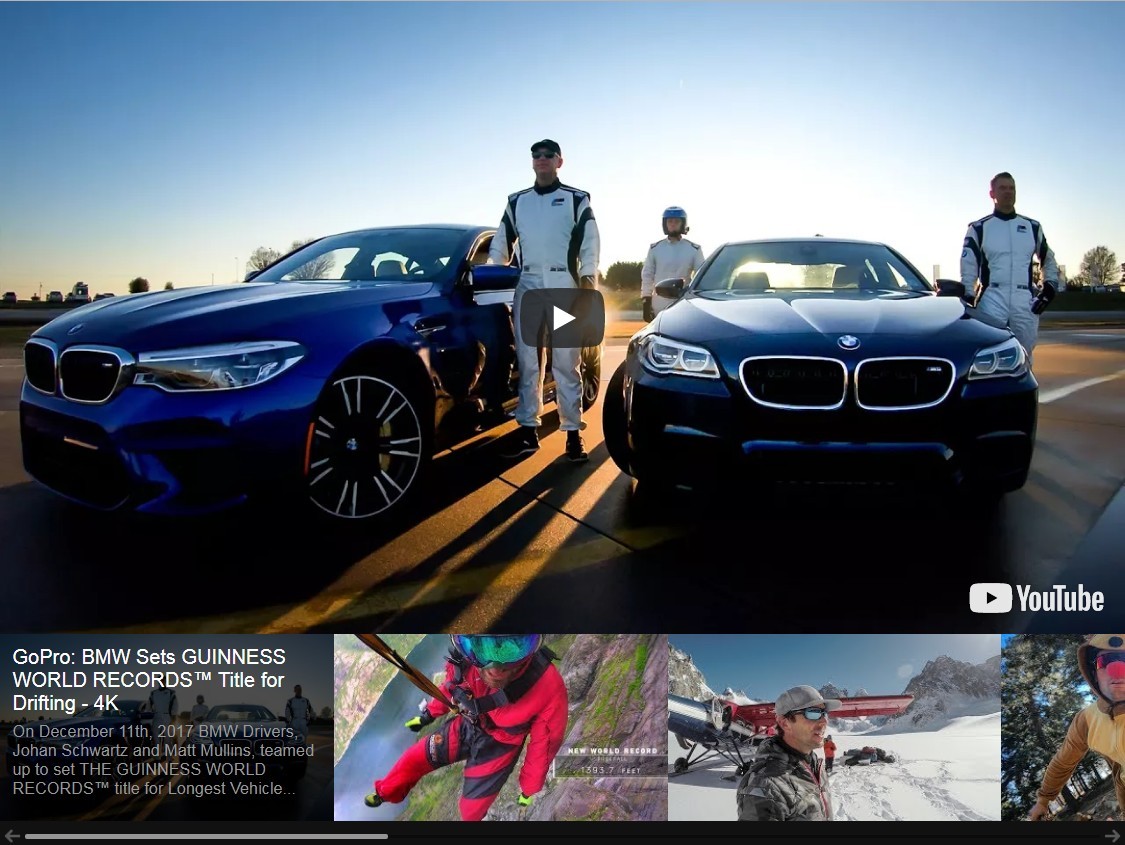
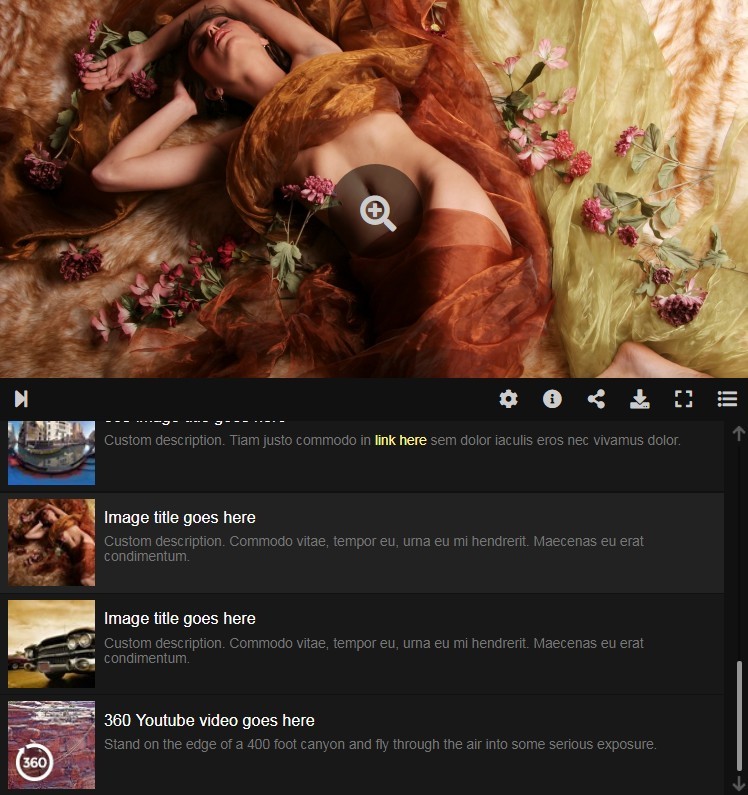
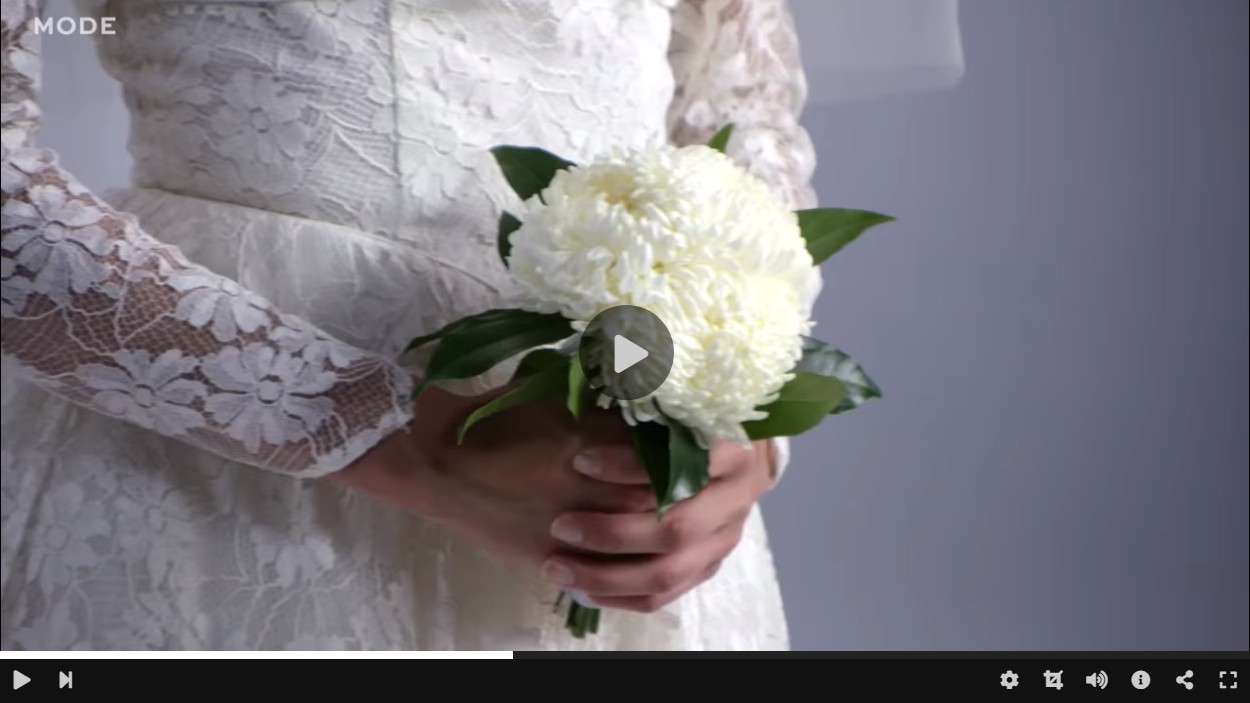
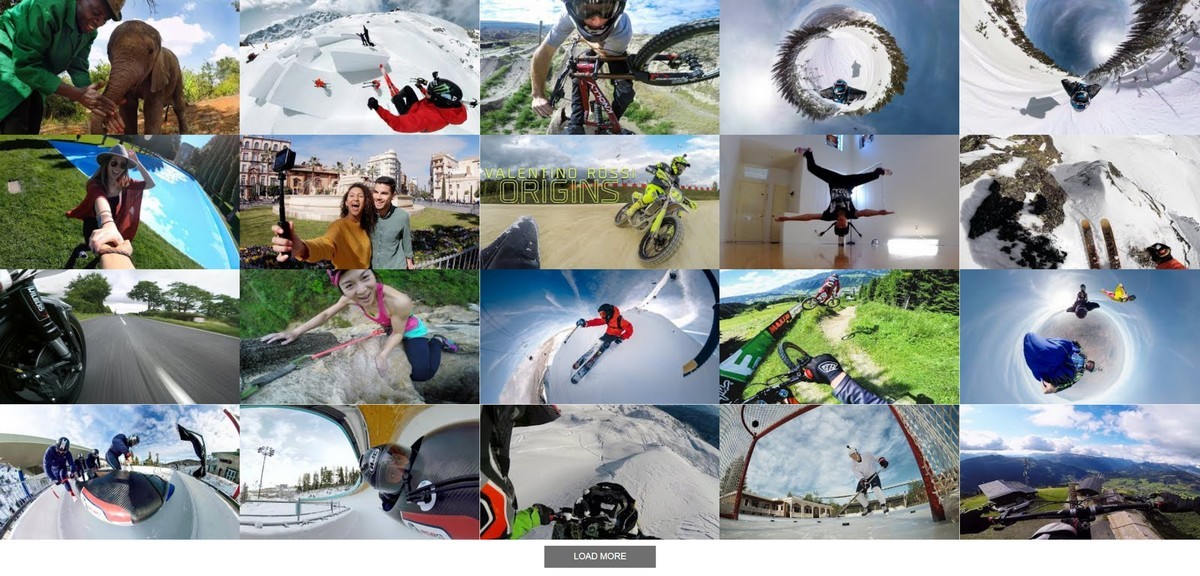
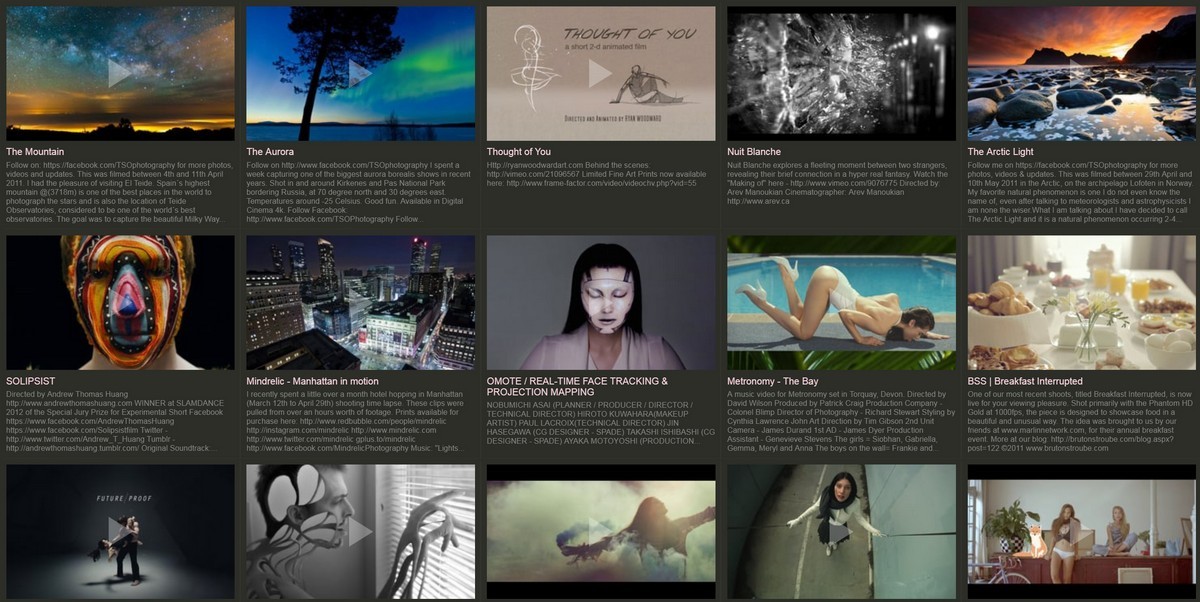
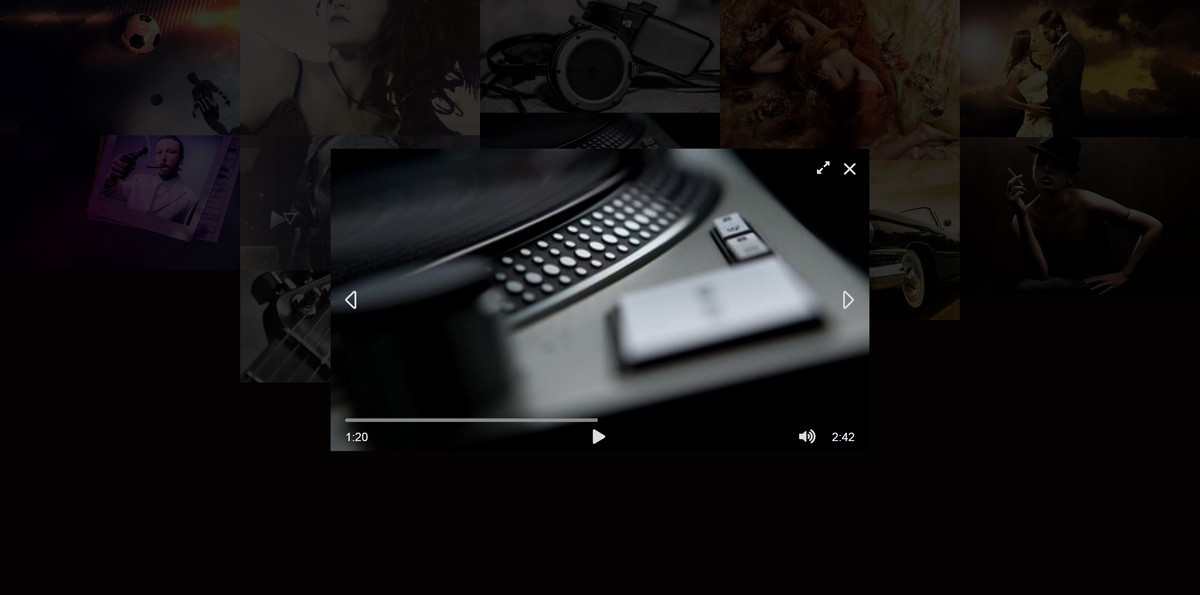
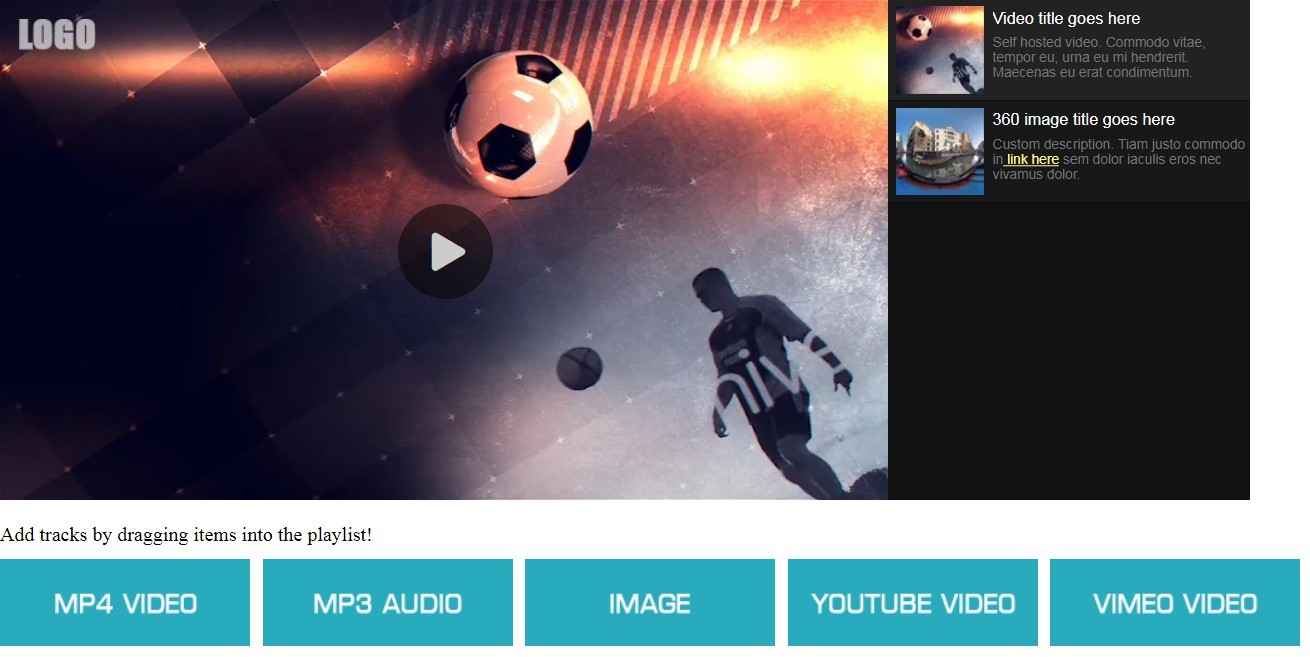
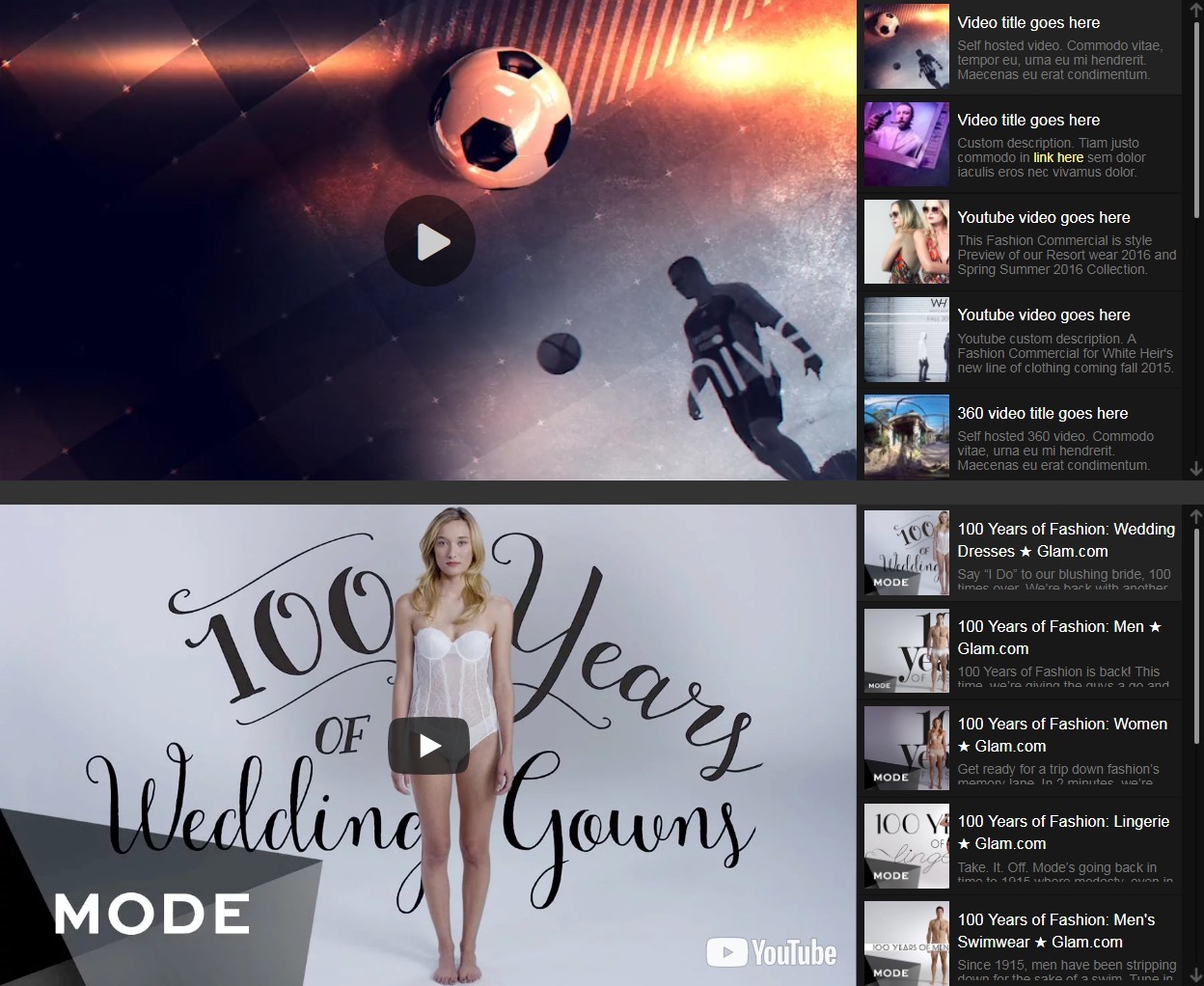
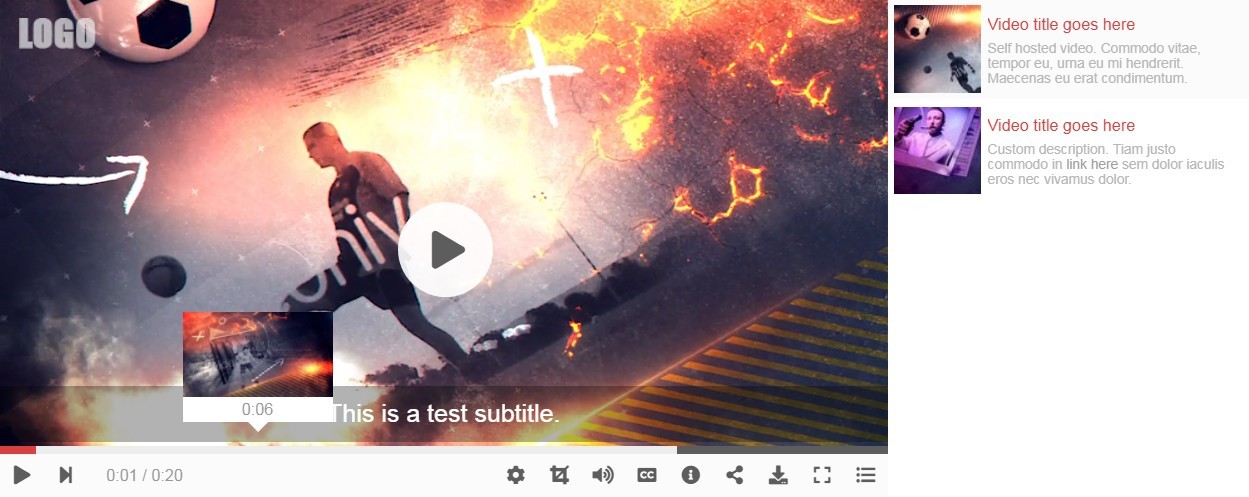
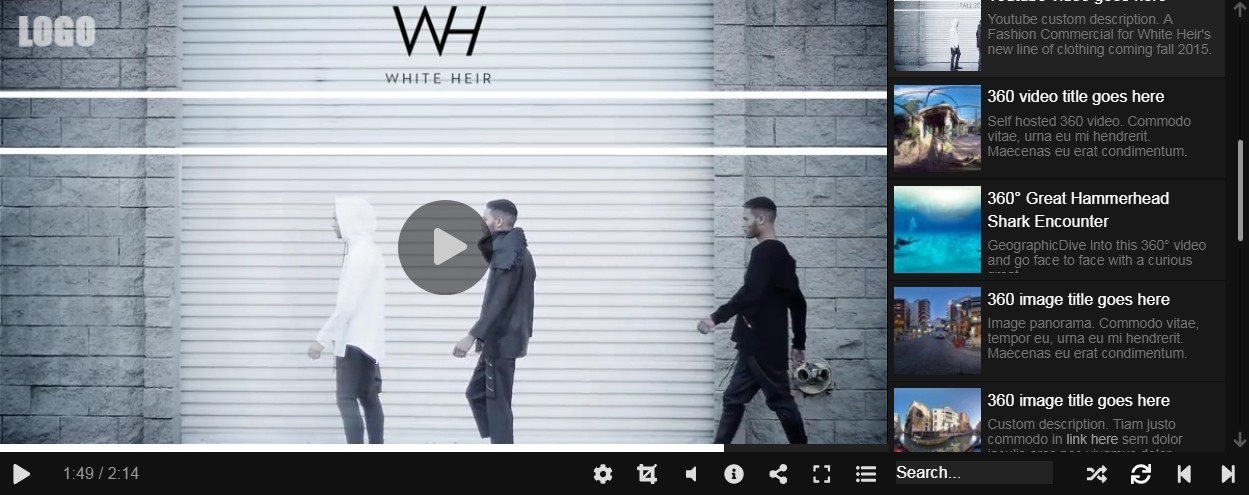
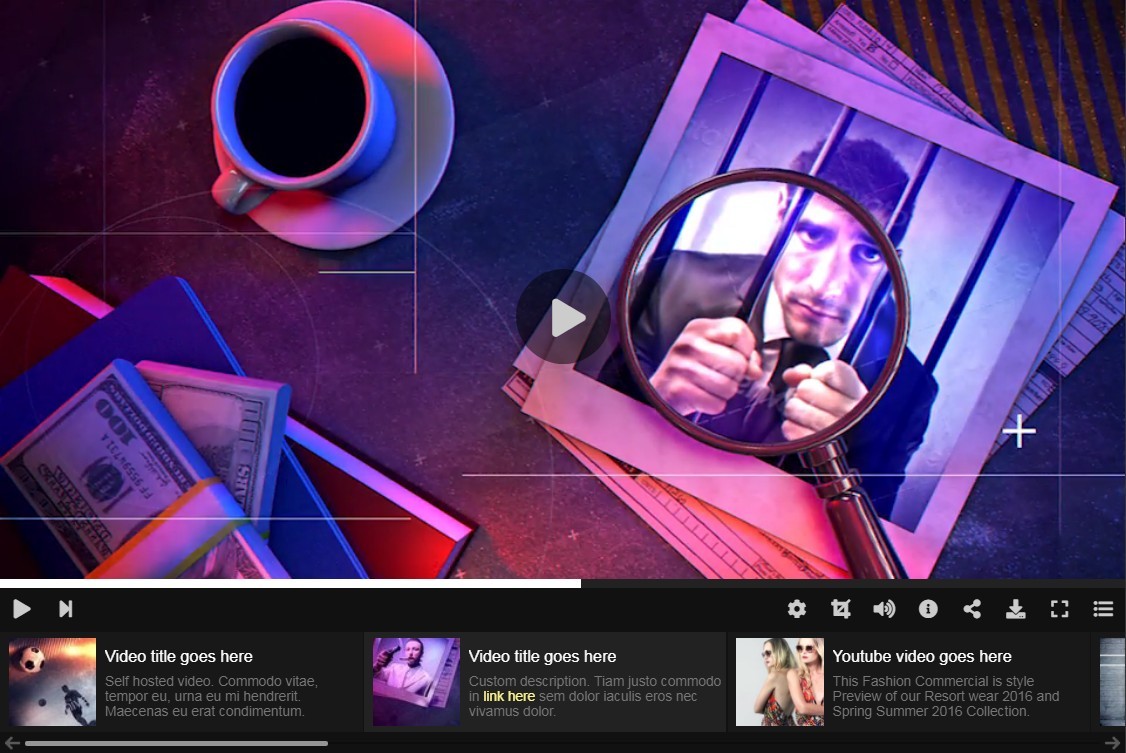
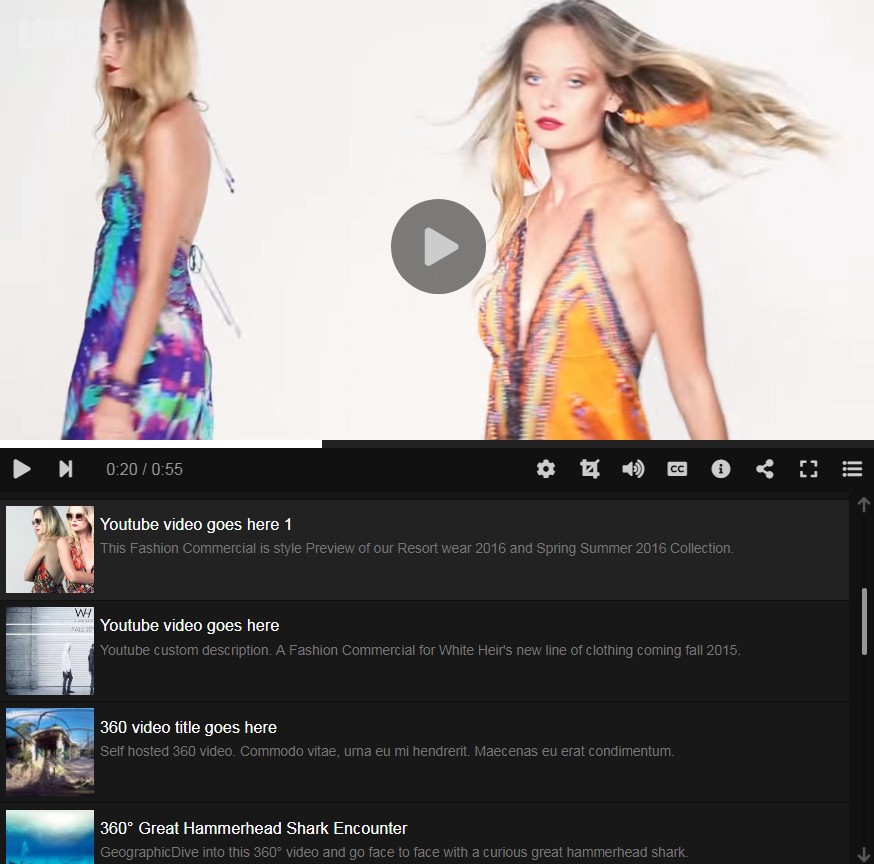
Modern Video Player is highly customizable jQuery gallery plugin with lots of adjustable features. It can display video, audio and image files from many external content sources.

It support self hosted video, audio and image files, 360 reality video and image panorama, Youtube and Vimeo content. Also provides ability to display any custom iframe like Wistia video, Dailymotion, Google Maps etc..

All DEMO examples included in the download package for quick and easy setup.

Features and options:

  • Destop, mobile and tablet support
  • Responsive layouts
  • Highly customizable with HTML and CSS
  • Font-awesome and svg icons
  • Supported content sources:
    • Self hosted video, audio, images
    • Self hosted virtual reality 360 video
    • Self hosted image panorama 360
    • HTTP Live Streaming (HLS) audio and video
    • Youtube content:
      • Single video
      • Playlist
      • Channel
      • Video query (search)
      • 360 video
    • Vimeo content:
      • Single video
      • Album
      • Group
      • Channel
      • Video query (search)
      • 360 video
    • Folder playlist (video, audio and images)
    • Custom iframe (show any iframe into the player: Daily Motion, Wista, Google Maps...etc)
    • XML playlist
  • Support for multiple instances in the same page
  • Option to mix different media types in the same playlist
  • Floated video on page scroll
  • Playlist options:
    • Scroll
    • Buttons
    • Mouse move
    • Wall / Grid
    • None
  • Playback options:
    • random playback
    • loop playlist
    • playback speed
    • start / end time
    • multiple playback qualities
    • load more videos on page scroll (Youtube, Vimeo)
    • mobile autoplay under certain conditions
    • autoplay when in viewport
  • Vertical or horizontal playlist
  • Show player as lightbox option
  • Media aspect ratio (original / fit-inside / fit-outside)
  • Media end action (next, loop, rewind)
  • Keyboard navigation
  • Social sharing (facebook, twitter, tumblr, google plus)
  • API methods available
    • Play media
    • Pause media
    • Toggle playback
    • Next media
    • Previous media
    • Set volume
    • Toggle mute
    • Seek
    • Seek forward / backward
    • Get current time
    • Get duration
    • Get load progress
    • Toggle playlist
    • Toggle embed
    • Toggle description
    • Toggle random
    • Toggle loop
    • Toggle fullscreen
    • Set subtitle
    • Set playback quality
    • Set playback rate
    • Destroy media
    • Destroy playlist
    • Load media / playlist
  • Callbacks available
    • Setup done
    • Playlist start load
    • Playlist end load
    • Playlist item enabled
    • Playlist item disabled
    • Playlist item click
    • Media request
    • Media start
    • Media play
    • Media pause
    • Media end
    • Volume change
    • Fullscreen enter
    • Fullscreen exit
top
top
top